
55 lines
2.7 KiB
Markdown
55 lines
2.7 KiB
Markdown
## USB Camera LCD Display Example
|
||
|
||
| Board | Support Status |
|
||
| ----------------- | -------------- |
|
||
| ESP32-S3-BOX | NO |
|
||
| ESP32-S3-BOX-Lite | NO |
|
||
| ESP32-S3-BOX-3 | YES |
|
||
|
||
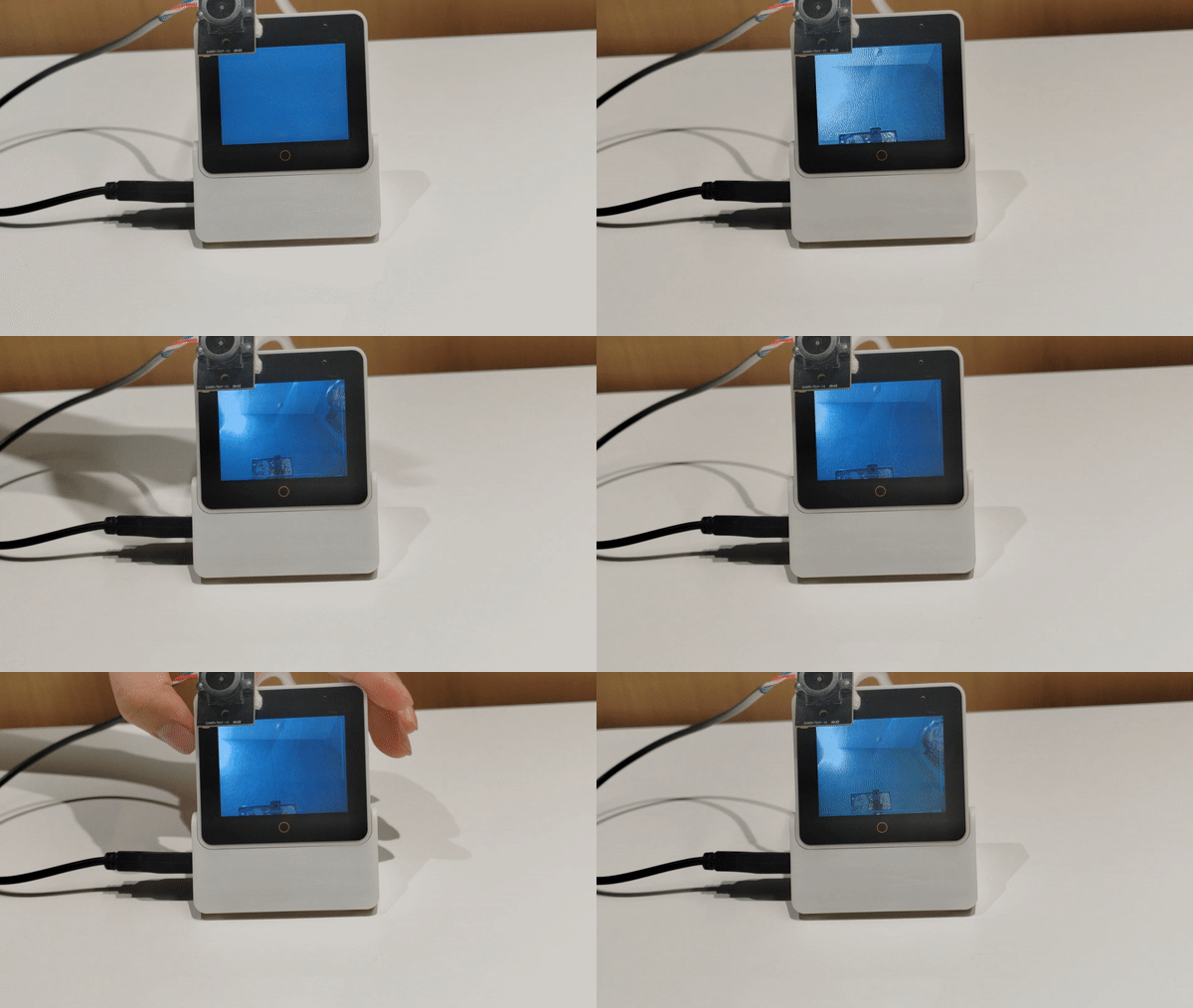
This example demonstrates how to use the [usb_stream](https://components.espressif.com/components/espressif/usb_stream) component to acquire a USB camera image and display it adaptively on the LCD screen.
|
||
|
||
* Pressing the boot button can switch the display resolution.
|
||
* For better performance, please use ESP-IDF release/v5.0 or above versions.
|
||
* When the image width is equal to the screen width, the refresh rate is at its highest.
|
||
|
||
## Hardware
|
||
|
||
* An ESP32-S3-BOX-3 development board with 320*240 LCD.
|
||
* A USB Type-C cable for power supply and programming.
|
||
* A USB camera (Can be connected to USB-A port or expansion connector).
|
||
|
||
**Note:**
|
||
>* The USB camera used in this demo has some limitations. The USB camera must be compatible with `USB1.1` full-speed mode and support `MJPEG` output, for more details, please see the [USB Stream User Guide.](https://docs.espressif.com/projects/esp-iot-solution/en/latest/usb/usb_host/usb_stream.html)
|
||
>* For access to the USB camera sample, you can visit [TaoBao](https://item.taobao.com/item.htm?ft=t&id=742819252609) or [Aliexpress](https://www.aliexpress.us/item/3256805938146328.html?gatewayAdapt=glo2usa4itemAdapt).
|
||
|
||
## Known Issues
|
||
|
||
* Error message with `A fatal error occurred: Could not open /dev/ttyACM0, the port doesn't exist`. Please first make sure development board connection, then make board into "Download Boot" mode to upload by following steps:
|
||
1. Keep pressing "BOOT" button.
|
||
2. Short press "RST" button.
|
||
3. Release "BOOT".
|
||
4. Upload program and reset.
|
||
|
||
* Please use the USB-C port on the main unit to flash firmware. Once flashing is complete, connect the USB camera to the `ESP32-S3-BOX-DOCK` USB-A port, and switch your USB cable to the USB-C port of the `ESP32-S3-BOX-DOCK`. **Please note don't connect the USB camera while flashing the MCU.**
|
||
|
||
* The USB-C port on the `ESP32-S3-BOX-DOCK`only support `5 V` power input, which ensures proper power supply to the USB camera. **Please do not use it to flashing firmware**.
|
||
|
||
* For log debugging, please access the serial connection by a standard `USB-To-TTL` device through the 12-pin female header of the `ESP32-S3-BOX-DOCK` with `U0TXD` and `U0RXD`.
|
||
|
||
|
||
The result after the demo is correctly programmed and connected is as follows:
|
||
|
||
|
||
|
||
### How To Use
|
||
|
||
1. First delete existing `build`, `sdkconfig`, `sdkconfig.old`.
|
||
```
|
||
idf.py set-target esp32s3
|
||
```
|
||
|
||
2. Compile and burn.
|
||
```
|
||
idf.py build flash monitor
|
||
```
|